○Operation○
☆Moving the falling block☆
・Touch panel (mouse) operation
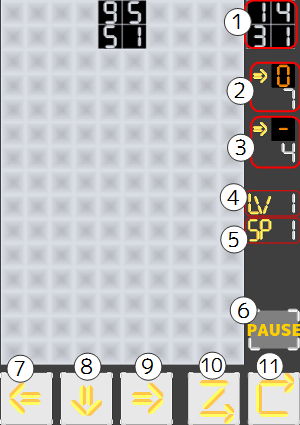
Move button at the bottom of the screen
・Keyboard operation
Move right[Numeric keypad 6 or cursor key right]
Move left[Numeric keypad 4 or cursor key left]
Fall acceleration[Numeric keypad 2 or cursor key down]
☆Move numbers on the falling block☆
・Touch panel (mouse) operation
Number move button at the bottom of the screen
・Keyboard operation
Slide move[Key Z]、 Rotation move[Key X]
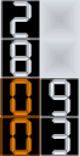
□About moving numbers□
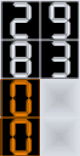
・Slide move
Move the numbers slide. (Like the letter Z)

→

→

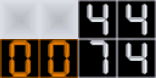
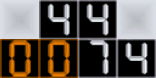
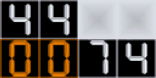
・Rotation move
Move the numbers so that they rotate clockwise.

→

→

 1. The next falling block
 →
→